

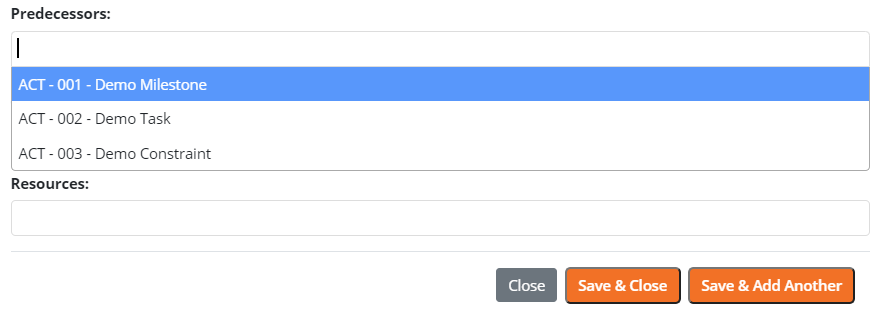

 To modify the relationship that a link uses, ensure that the Predecessor / Successor radio button is selected from the left side flyout menu.
 Select the activity you would like to modify from the Gantt chart. The predecessor/successor information will appear below the Gantt chart. Select the desired relation from the dropdown. Enter lag as necessary. To enter lead time, enter as a negative lag. i.e. 1 day of lead time would be an entry of -1 into the lag data entry field. *Note: any changes will affect start and/or finish dates.
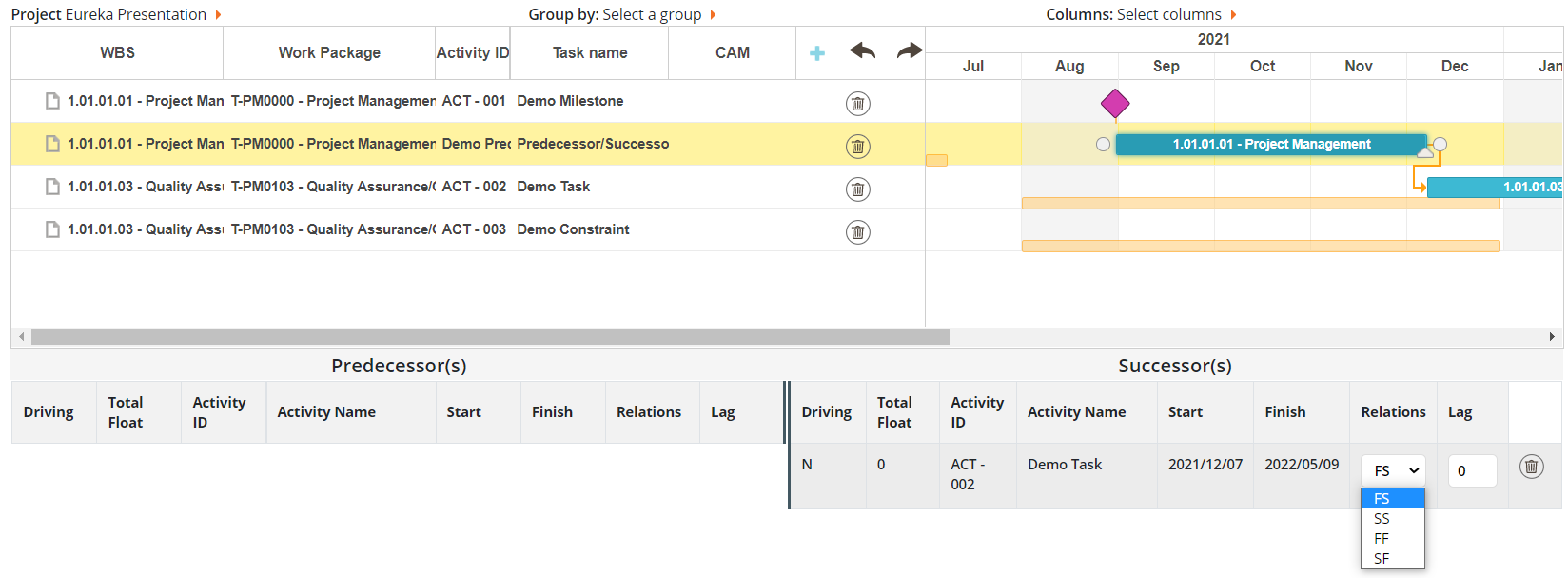
- FS - Finish to Start
- SS - Start to Start
- FF - Finish to Finish
- SF - Start to Finish