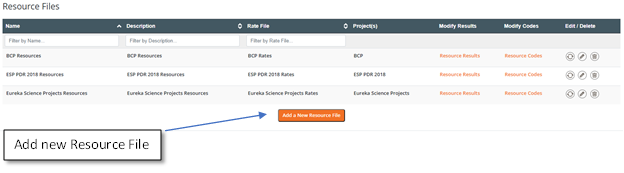
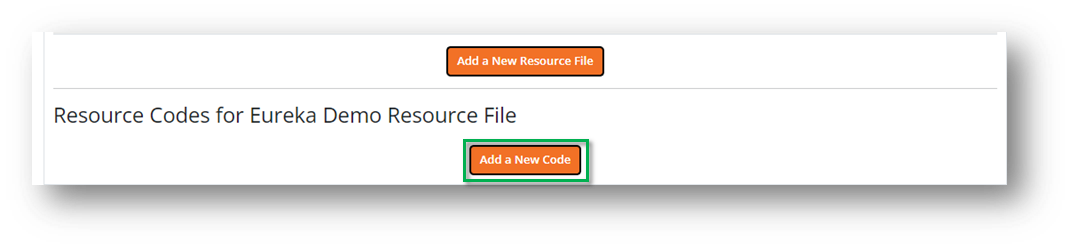
 Scroll down and select Add a New Code from the bottom of the screen.
 Resource Codes (and Calculations)
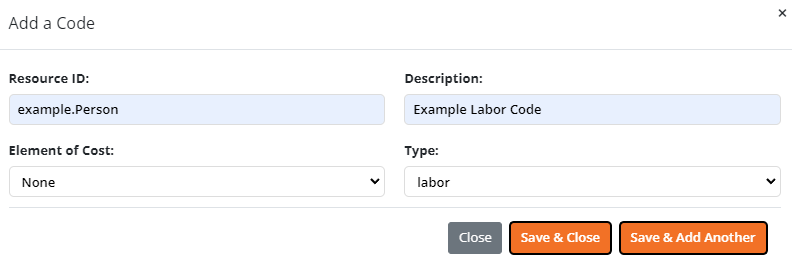
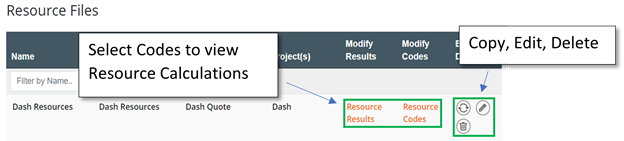
Selecting Resource Codes will allow you to view the specific Resources in the Resource File. To add a new code, select Add New Code from the bottom of the screen. The Assigned column will show the number of places that Resource has been assigned. Clicking on this number will bring up a modal that shows the WBS and Work Package this resource is assigned. To view the Calculations for a Resource, select the Calculations link under the Modify Calculations column.
Resource Codes (and Calculations)
Selecting Resource Codes will allow you to view the specific Resources in the Resource File. To add a new code, select Add New Code from the bottom of the screen. The Assigned column will show the number of places that Resource has been assigned. Clicking on this number will bring up a modal that shows the WBS and Work Package this resource is assigned. To view the Calculations for a Resource, select the Calculations link under the Modify Calculations column.
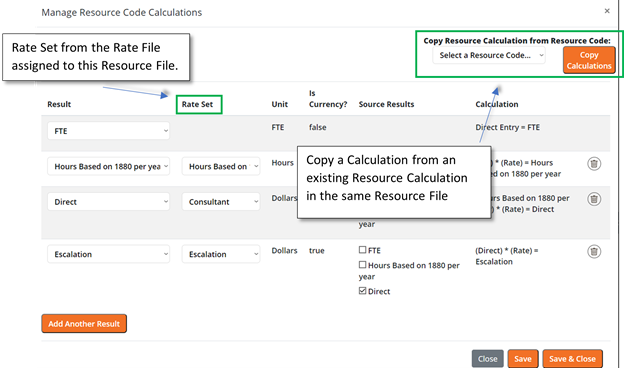
 Selecting Calculations will allow you to edit an existing Calculation, but is also the way to set Calculations for a new Code.