

Overview
The Pending Cost Estimates page is an admin approval queue for new cost estimate submissions. When a CAM creates a brand-new work package cost estimate from the Budget Form, it is placed in a pending state and does not appear in normal Budget Form views until an administrator reviews and approves it. This page lists all cost estimates currently in the pending state. Administrators can:- View the full estimate in the Budget Form to review its details
- Edit the WBS and work package identifiers if they need correction
- Approve the estimate, making it live and visible in the Budget Form
- Reject the estimate, permanently deleting it from the system
Permissions
Administrator role required.Pending Estimates Grid
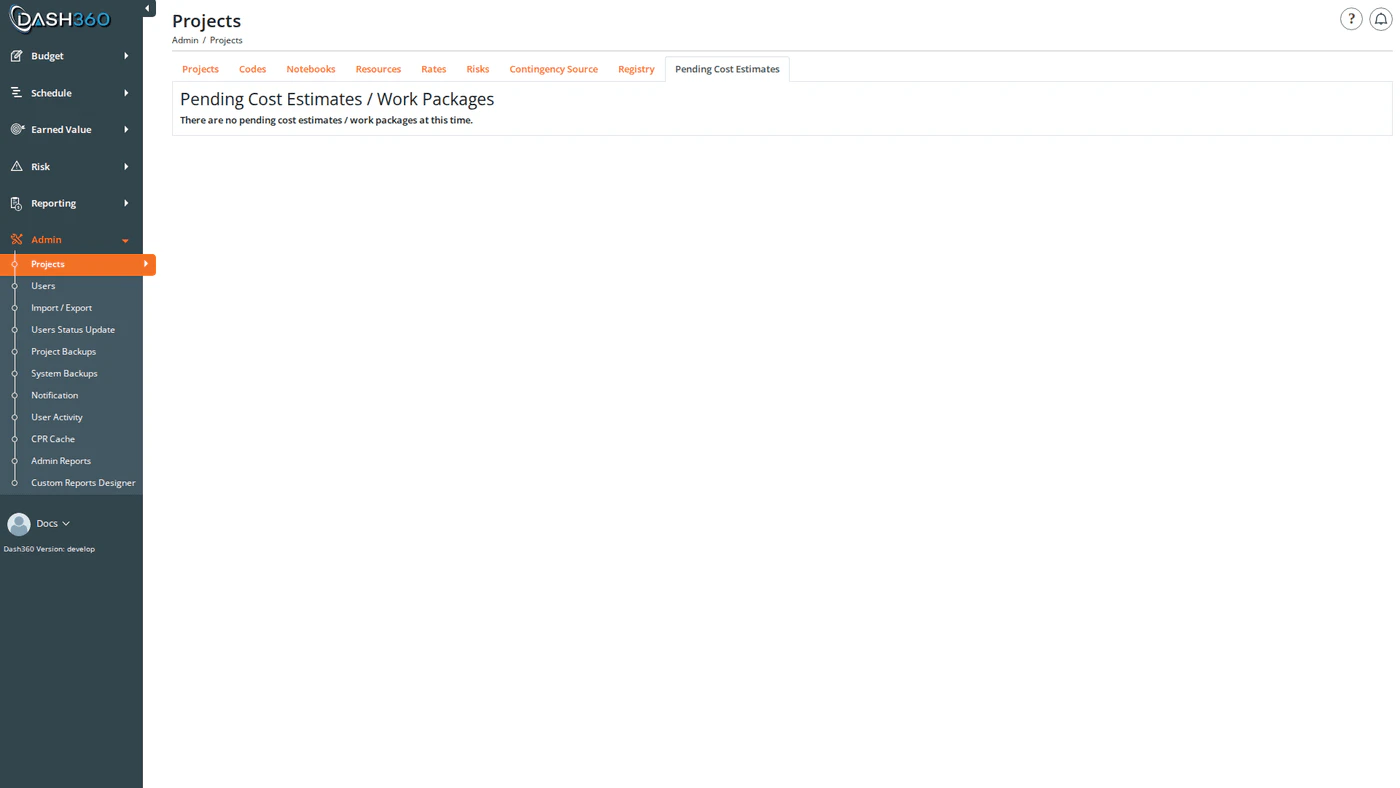
The page displays a grid listing all cost estimates awaiting approval. When there are no pending estimates, the grid is hidden and a message indicates the queue is empty.Reviewing an Estimate
Click View Details on any row to open the estimate in the Budget Form in a new tab. The Budget Form will display an Approve Pending Cost Estimate button that allows the admin to approve directly from the form view. Use the Budget Form view to check the estimate’s resource assignments, costs, and any attached documentation before deciding to approve or reject.Editing a Pending Estimate
Click the Edit (pencil) icon on any row to correct the estimate’s WBS and work package identifiers before approving.
After editing, click Save. The updated identifiers are reflected immediately in the grid.
Use Edit when the CAM submitted the estimate with an incorrect or placeholder WBS or work package number. Correcting the identifiers here ensures the estimate is linked correctly before approval.
Approving an Estimate
Click the Approve (checkmark) icon on any row. A confirmation dialog appears before the action completes. When approved:- The estimate’s pending flag is cleared and it becomes visible in the Budget Form for all users with access to that project.
- If the work package code does not yet exist in the project’s WP code file, it is created automatically during approval.
Approval is the normal path when the estimate looks correct. Once approved, the estimate behaves like any other cost estimate in the Budget Form; it can be edited, submitted for signatures, and included in reports.